 Counter App
Habit Tracking With Counter App
Track daily habits, routines and personal goals on Android with fast tap counters, targets, history and exports. Free to download, no ads; try it free for 3 days, then choose a yearly or monthly plan or a one-time lifetime purchase.

Intro
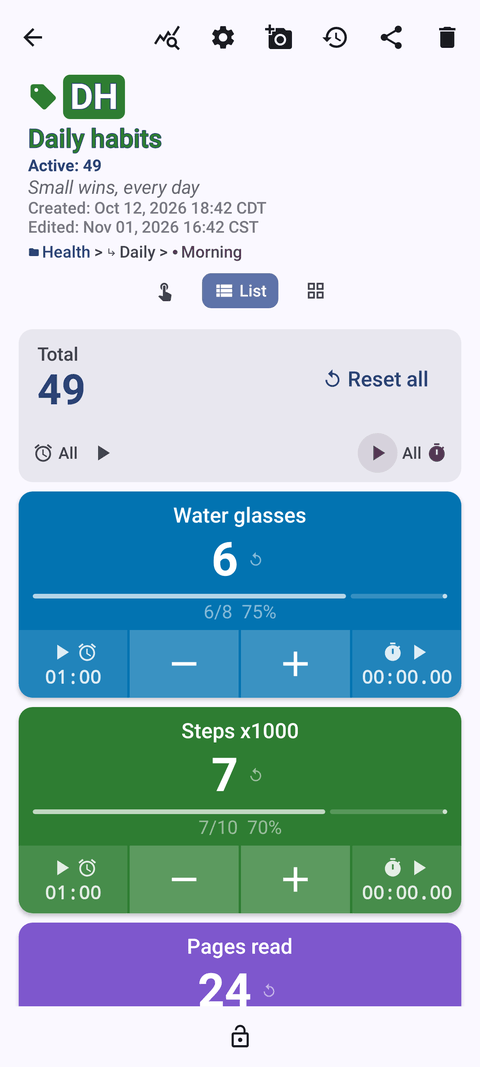
Habits are built in small moments: a glass of water, ten pages, a stretch break. Counter App turns each of those moments into a single tap, so the record keeps itself while you get on with your day. Group habits into counters, set targets, look back at your history once a week, and adjust. No streak anxiety, no feed, no ads. Try it free for 3 days, then choose a yearly or monthly plan or a one-time lifetime purchase.
Use cases
- Daily habit tracking. One counter per life area, one tag per habit, each with its own value, step and target. See how to track daily habits.
- Morning routines. A tag per step, target 1 with auto-reset, timers for timed steps like meditation. See morning routine tracking.
- Reading and learning. Count pages or study sessions with a step up to 100, add notes and photos of what you learn. See building a reading habit.
- Cutting back a bad habit. Log every occurrence by trigger, set a countdown target and watch the trend. See quitting bad habits by counting.
- Water and movement. Manual tap counters for glasses and movement breaks with daily auto-reset. See counting water and movement.
- Long-term personal goals. Nested categories for life areas and behavior tags that drive outcomes. See tracking personal goals and a 90-day tracking story.
Features that matter for habits
- Tags with their own targets. Count up or down to a goal, with optional sound or vibration, auto-reset for daily habits and auto-lock to freeze a finished goal.
- Step from 1 to 100. Log pages, minutes or reps in one tap instead of many.
- Volume-button counting. Optional (off by default): count with the volume keys in the background and on the lock screen, ideal during workouts or reading in bed. A lock-screen notification adds −step, +step and Stop buttons.
- Timer and stopwatch per tag. Presets from 30 seconds to 10 minutes, countdown beeps, 7 alarm sounds and 8 vibrations for meditation, stretching or practice sessions.
- History and dashboard. Every count is logged with its time; the dashboard shows per-tag progress, an activity bar chart and a pie chart for your weekly review.
- Notes and photos. Add notes to events and up to 6 photos per tag; browse them in All Notes and the all-photos gallery.
- Categories. Up to 3 nesting levels with colors, pinning and reordering to organize life areas.
- Export and backup. CSV, Excel or an HTML report for monthly reviews; ZIP backups with photos when you change phones.
- Works offline. All counting works without internet. Available in 37 languages on Android 12 and newer.
Counter App is a counting tool, not a medical or fitness device.
Guides for personal habit tracking
90 Days of Self-Improvement, One Tap at a Time
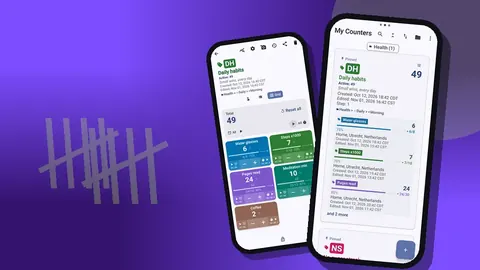
A hypothetical 90-day story of tracking self-improvement with a simple counter on Android, with the setup, reviews, a phone switch and reusable lessons.
Track Your Morning Routine on Android
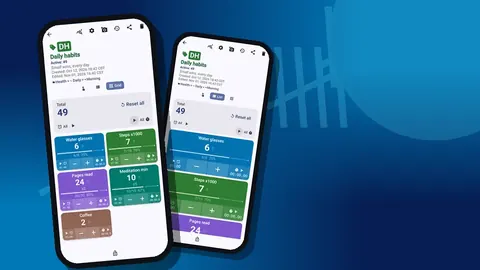
Design a morning routine you can keep: one counter, a tag per step, timers for timed tasks, lock-screen logging and a weekly check-in with history.
How to Track Daily Habits With Counter App
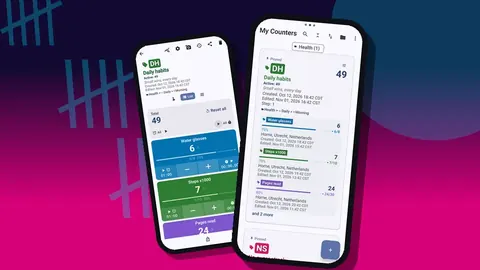
A step-by-step daily habit tracker setup on Android: areas as counters, habits as tags, sensible steps and targets, fast logging, weekly review and export.
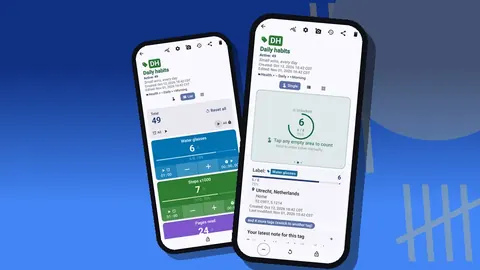
Count Water Intake and Daily Movement
Log water and movement on Android with tap counters: glass-sized steps, daily targets, volume-key logging, walk timers and notes on how you feel.
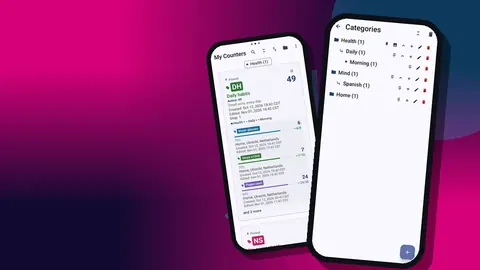
Track Multiple Personal Goals on Android
Turn big personal goals into countable behaviors: nested categories for life areas, tag targets, pausing goals safely and a monthly progress review.
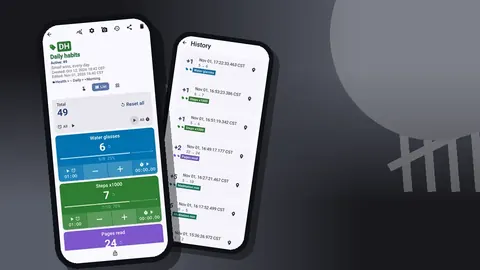
Quit Bad Habits by Counting Them
Cut back on a bad habit by counting it honestly: a baseline week, trigger tags and notes, a countdown target with auto-lock, and a calm weekly trend review.
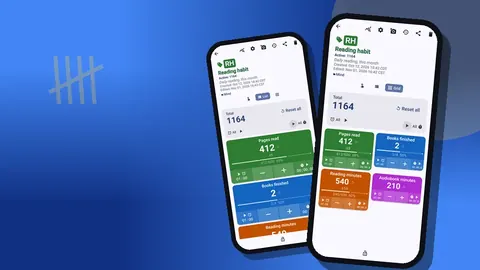
Building a Reading Habit With a Counter App
An illustrative story of turning page counting into a daily reading ritual on Android, with the counter setup, timers, notes and weekly review to copy.