 Counter App
 for Restaurants, Cafés and Bars
Count stock, prep and waste on your Android phone. Categories for storage areas, tags for every item, par targets, photos, notes and CSV or Excel export.

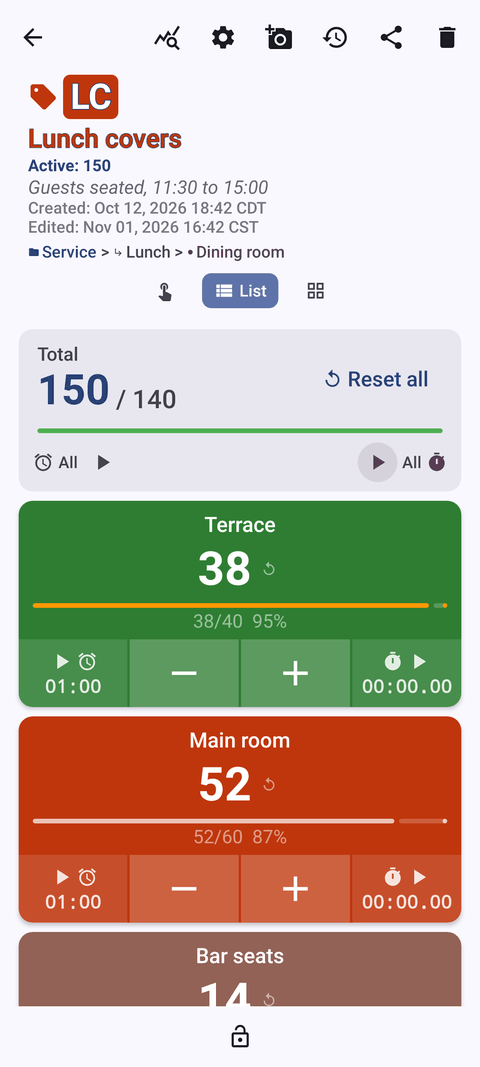
Intro
Kitchens run on counts: what is in the walk-in, what is on each station before service, what went in the bin, how many bottles are open behind the bar. Most of those counts still live on clipboards and whiteboards. Counter App by GiveMeMood puts them on your Android phone in a structure that matches your storage and stations, logs every tap with its time and exports to a spreadsheet. It works offline, so a walk-in with no signal is not a problem. Free to download, no ads; try it free for 3 days, then choose a yearly or monthly plan or a one-time lifetime purchase.
Use cases
Weekly inventory count
Storage areas as categories, shelves as counters, items as tags with par targets. Count along the same route every week and export a closing number for food cost. Read the guide
Bar and beverage stock
Count spirits in tenths, beer by case and single, wine by bin. Lock each section when done and export for pour cost. Read the guide
Café supply count
Beans, milks, cups and syrups as color tiles in Grid view, each with its barcode or QR code stored on the tag. A short routine before opening. Read the guide
Mise en place before service
A counter per station, par as the target on every component, notes for anything that will be 86'd. Read the guide
Food waste log
Log discards by reason as they happen, attach photos of the incidents that matter and review the dashboard weekly. Read the guide
Opening and closing routines
Tasks as tags, notes and photos for problems, timers for timed steps, and an HTML report for the manager. Read the guide
Features that matter in a kitchen
- Categories, counters and tags. Categories nest up to three levels (location, storage area, shelf). Each tag has its own value, color, step and target, so cases and singles can live side by side.
- Steps from 1 to 100. One tap for a whole tray or sleeve.
- Targets. Set par levels; count up or down, with an optional sound or vibration alert, auto-reset and auto-lock.
- Volume-button counting. Optional and off by default. Count with the side keys while carrying a case, even with the screen locked. Some devices may still show the system volume bar.
- List, Grid and Single views. List for long shelves, Grid for quick colored tiles, Single for one item at a time.
- Photos and notes. Up to 6 photos per tag with a simple editor; notes on any count. All Photos and All Notes screens collect them.
- Timer and stopwatch per tag. Presets from 30 seconds to 10 minutes, with alarm sounds and vibrations.
- Lock and trash. Lock a finished counter; restore a deleted one from trash.
- History and dashboard. Every count logged with time; dashboard with activity and pie charts and per-tag progress.
- Export and backup. CSV, Excel or an HTML report with photos. ZIP backups to move your setup to another phone.
- Works offline. Internet is only used for optional notifications, update checks and map tiles.
Requires Android 12 or newer. Available in 37 languages.
Guides for restaurants & cafés
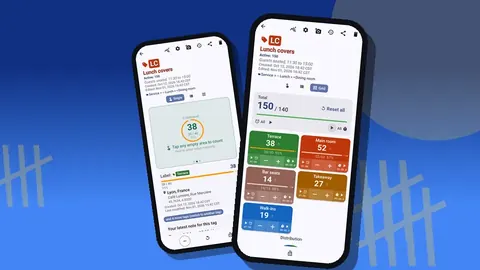
Café Supplies Barcode Counter: A Morning Count Routine
A five-minute morning supply count for cafés: beans, milk, cups and syrups as coded tags with par targets, a delivery check and an export for ordering.
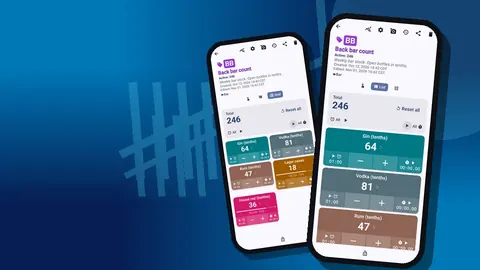
Bar Inventory Count App for Android: Spirits, Beer, Wine
Count a bar on Android: spirits in tenths, beer by case and single, wine by bin, a fixed shelf route and a spreadsheet export for pour cost.
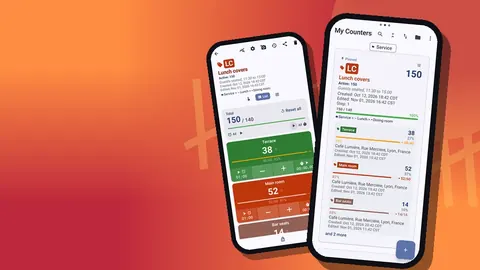
A Chef's Inventory Control on a Phone: A Scenario
A hypothetical head chef moves the weekly walk-in count from clipboard to phone: the setup, the first count, the handover and what stayed the same.
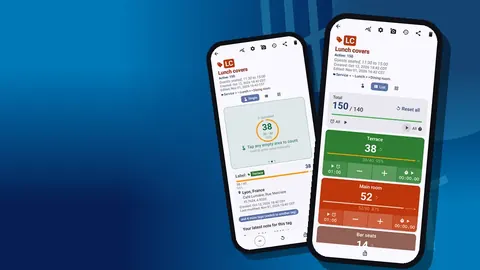
Restaurant Opening and Closing Checklist on Android
Turn opening and closing checklists into tagged tasks on your phone, with notes, photos, timers, a locked record and an export the manager can read.
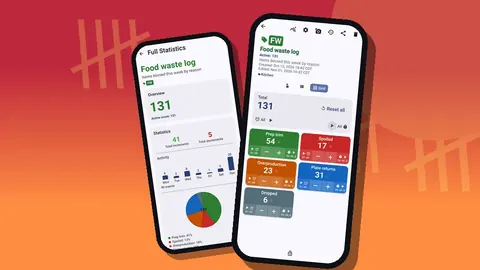
Food Waste Tracking for Restaurants and Cafés on Android
Log food waste by reason as it happens: prep trim, spoilage, overproduction, plate returns and drops. Add photos and notes, then review weekly to fix causes.
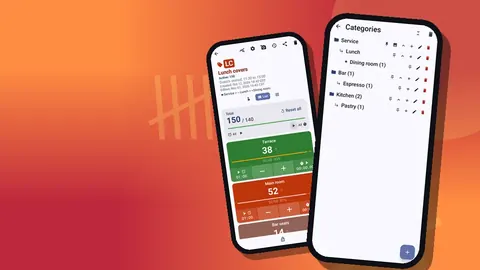
Restaurant Inventory Count on Android: A Practical Guide
Set up a restaurant inventory count on Android: walk-path categories, item tags with units and pars, a weekly routine and CSV or Excel export for food cost.
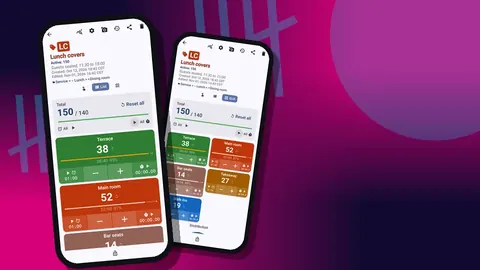
Daily Mise en Place Count With Your Phone
Run a two-minute pre-service mise en place count per station on your phone: prep items as tags, par targets, 86 notes, timers and a record for the chef.