 Counter App
 for Warehouses and Logistics
Count stock by zone, verify inbound freight, run cycle counts and export to CSV or Excel from an Android phone. Works offline. Free to download, no ads; try it free for 3 days, then choose a yearly or monthly plan or a one-time lifetime purchase.

Intro
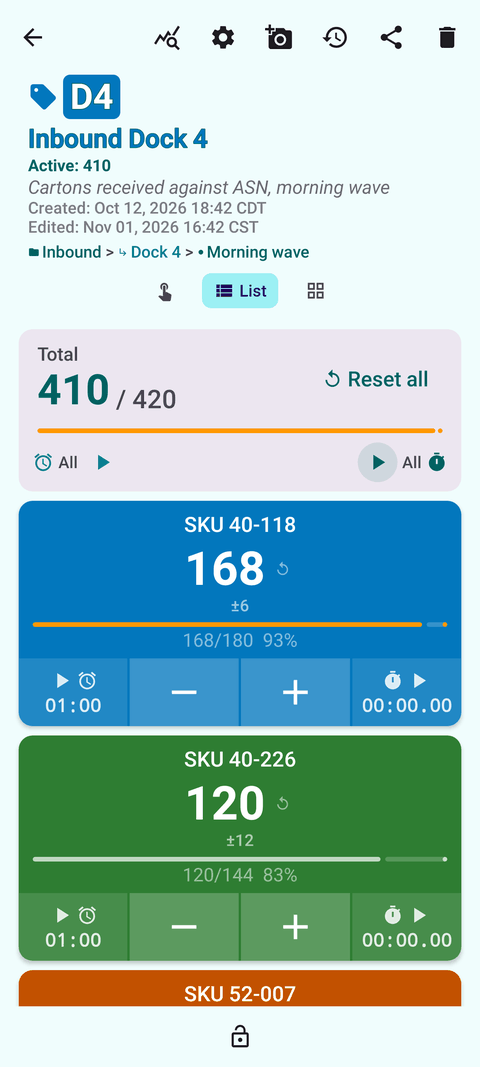
Warehouse counting goes wrong in small ways: a tally lost to an interruption, a carton counted into the wrong line, a number typed in wrong after the shift. Counter App turns any Android 12+ phone into a structured counting tool that follows your zones and bins, keeps a timestamped history of every count, and exports clean files for your spreadsheet or inventory system. It is free to download with no ads; try it free for 3 days, then choose a yearly or monthly plan or a one-time lifetime purchase.
Use cases
Cycle counts by zone
Nest categories up to three levels (zone, aisle, bay), pin what is due this week, and count a slice of stock every day. Notes on count events capture why a number looks off. See how to run cycle counts.
Receiving and freight verification
Create a counter per delivery, a tag per PO line, and set the ordered quantity as a target with a sound or vibration alert. Photograph damage on the tag before the driver leaves. See freight receiving counts.
Barcode and QR-labeled stockrooms
Store a barcode or QR code on each tag, scanned with the camera or typed, so every count is tied to a physical label. See barcode and QR labels for stockroom counts.
Full physical inventory
Split the building by zone, give each counter a phone, and export CSV or Excel from each. See warehouse inventory counting on Android.
Variance reporting
Export Summary, Events, Notes and Locations to CSV or XLSX and compare against system quantities. See exporting counts to a spreadsheet.
Features that matter and why
- Categories with three nesting levels, custom colors and pinning – the app's structure can mirror your building, so people find counters by walking, not scrolling. (zone setup guide)
- Tags with their own value, step, target, barcode/QR and location – one SKU in several bins, or several SKUs in one bin, each with its own count.
- Step from 1 to 100 – count cases or inner packs instead of single units.
- Volume-key counting – works in the background and on the lock screen once enabled; keys can be remapped. Useful with gloves or full hands. Off by default; some devices may still show the volume bar.
- Lock and trash – lock finished counters against accidental taps; restore deleted counters and categories.
- Photos and notes – up to six photos per tag with an editor for marking damage, plus notes on count events and an All Notes screen.
- History and dashboard – every count logged with time; dashboard with per-tag progress and activity charts.
- Export – CSV, Excel (XLSX) or an HTML report with embedded photos.
- ZIP backup and import – share a prepared structure between phones, with preview and replace, copy or skip for duplicates.
- Works offline – all counting features work without a connection, which suits steel racking and cold rooms.
- 37 languages and readable themes – in-app language picker, high-contrast skins, size presets and font scaling.
Guides for warehouse & logistics
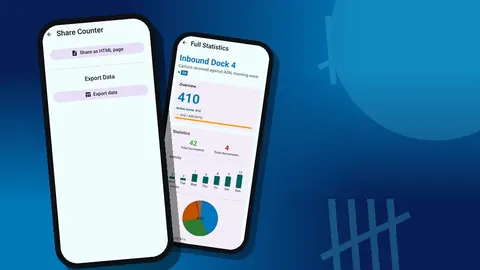
Export Warehouse Counts to Excel or Google Sheets
Turn phone counts into a variance report: export CSV or XLSX, match counts to system quantities with a lookup, calculate accuracy, keep an archive.
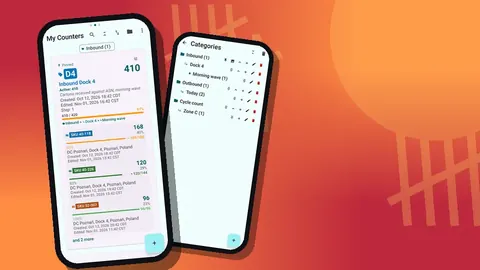
Warehouse Inventory Counting on an Android Phone
A practical guide to warehouse inventory counting on Android: structure counters by zone, count with volume keys, log every tap, export CSV or Excel.
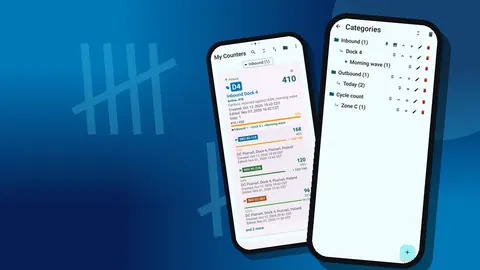
How to Run Cycle Counts With Counter App
A step-by-step cycle counting process: rank items with ABC analysis, set a count calendar, record discrepancies on the phone, reconcile every week.
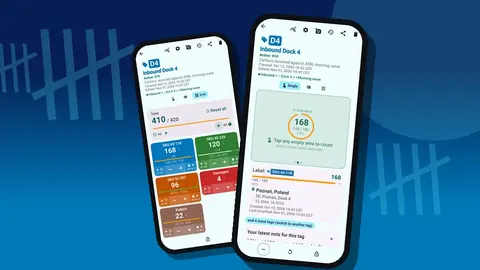
Barcode and QR Labels for Stockroom Counts
Use barcode and QR labels on stockroom bins and products with a phone counter: label strategy, tag setup, unlabeled items and avoiding mix-ups.
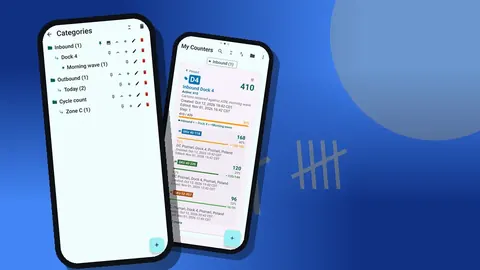
How to Organize a Warehouse by Zone for Counting
Mirror your warehouse layout in a counting app: define zones, choose a naming code, nest categories for aisles and bays, color-match floor signage.
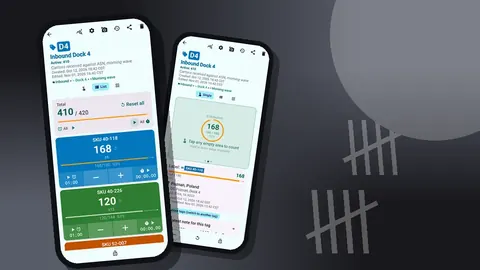
Freight Receiving Counts With Your Phone
Check inbound freight against the purchase order before the driver leaves: set PO targets, count off the pallet, photograph damage, keep a record.
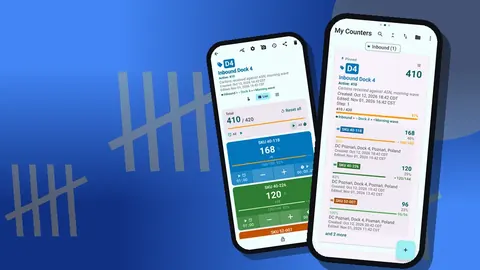
A Warehouse Manager's Path to Better Count Accuracy
A hypothetical scenario: how a small distribution warehouse could move from one annual count to daily phone cycle counts, and what changes along the way.