 Counter App
 for Event Planners
Count attendees by door and ticket type, track session and booth traffic, and reconcile event kit at setup and teardown from your Android phone, offline.

Intro
Event days are full of numbers that need to be right at a specific moment: the final headcount for the kitchen, the capacity at the door, the chairs going back on the truck. Counter App — Tally & Clicker, by GiveMeMood, lets planners split those counts by door, ticket type, room or item, set targets that alert when reached, and count with the phone's volume keys without looking at the screen. Every tap is logged with a time, and the results export to CSV, Excel or an HTML report. It works offline, runs on Android 12 and newer, and is free to download with no ads; try it free for 3 days, then choose a yearly or monthly plan or a one-time lifetime purchase.
Use cases
Door counts
Entrance-by-entrance attendee counts with targets and hands-free counting. See how to count event attendees.
Tickets and guest lists
Counts by ticket type against what was sold or invited, to see no-shows and walk-ins. See ticket and guest counting.
Crowds and capacity
Gate throughput and occupancy with capacity alerts. See the crowd counting field guide.
Conference sessions
Attendance per room and session, with arrival timelines. See conference attendee tracking.
Exhibition booths
Walk-ins, demos and qualified conversations by hour. See counting expo booth visitors.
Equipment and rentals
Count kit in at setup and out at teardown, with photos of damage. See event inventory at setup and teardown.
Features that matter on event day
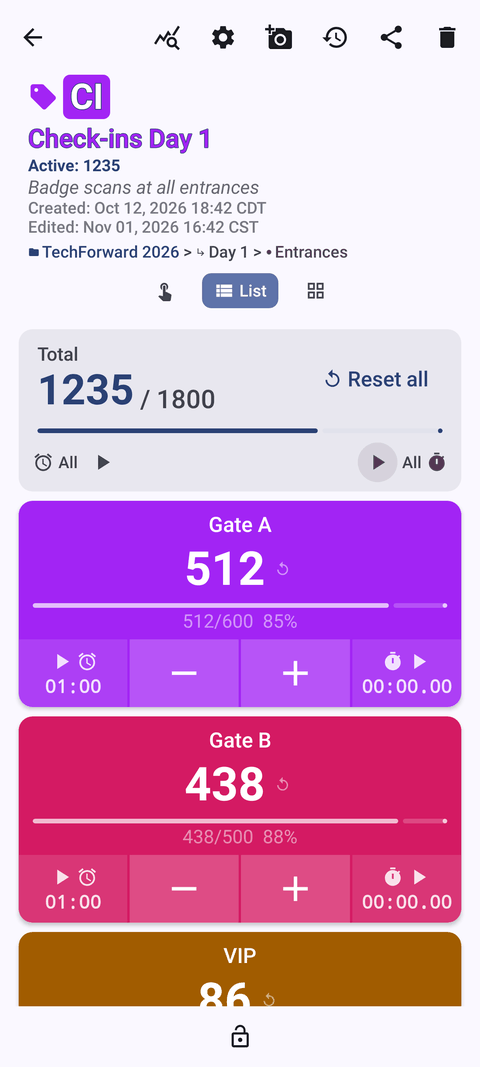
- Tags with targets. A tag per door, ticket type or item, each with its own target, sound or vibration alert, auto-lock and auto-reset.
- Volume-button counting. Count in the background and on the lock screen; remap keys to add or subtract, with per-key sound and vibration. Off by default; some phones may still show the volume bar.
- Lock-screen notification. −step / +step / Stop without unlocking.
- Single, List and Grid views. One big tag at a single door, or every ticket type at once.
- Timed history and notes. Every count has a time; notes explain the exceptions.
- Dashboard. Per-tag progress, an activity bar chart of arrivals and a pie chart of the mix.
- Photos. Up to six per tag with an annotation editor — useful for damage and deliveries.
- Exports and backups. CSV, Excel (XLSX) and HTML with embedded photos; ZIP backups to combine several volunteers' phones.
- Offline. All counting works without venue Wi-Fi or mobile signal.
Guides for event management
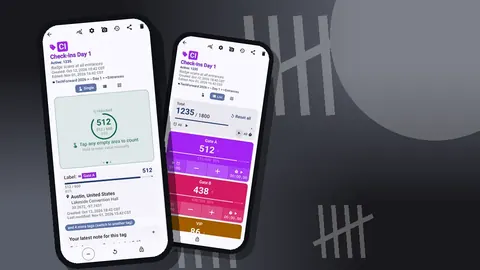
How to Count Event Attendees with an Android App
A step-by-step guide to counting attendees at the door with an Android phone: setup, targets, volume-key counting, notes, and exporting the final numbers.
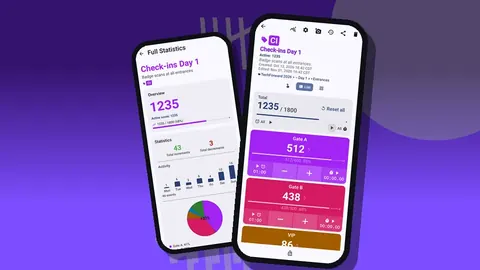
Ticket and Guest Counting for Events
Count guests by ticket type against what you sold or invited, spot no-shows and walk-ins early, and export a clean reconciliation from your Android phone.
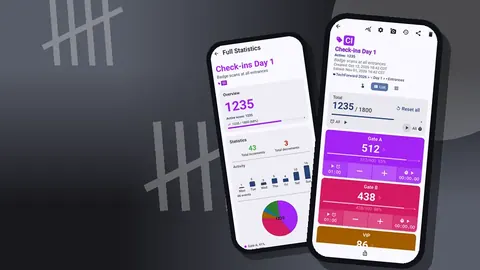
Counting Expo Booth Visitors with Your Phone
Measure trade show booth traffic, demos and qualified conversations with an Android tally app, then use timed counts to staff smarter and report back.
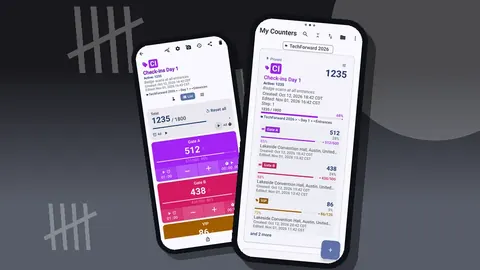
Conference Attendee Tracking by Session and Room
Track conference attendance per session, room and day on Android: one counter per room, tags per session, volume-key counting and clean exports.
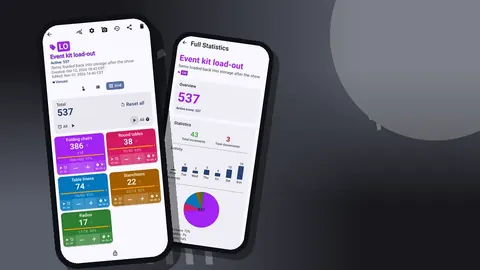
Event Inventory: Counting Kit at Setup and Teardown
Avoid lost chairs, linens and AV kit: count event equipment out at setup and back at teardown with targets, photos and notes, then export a reconciliation.
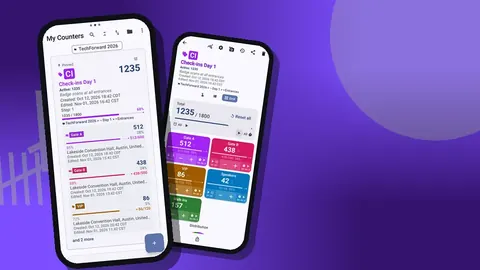
Managing 500 Guests from One Phone: A Scenario
A hypothetical 500-guest gala, hour by hour: how one planner counts arrivals, tables and kit from an Android phone, and the lessons worth taking away.
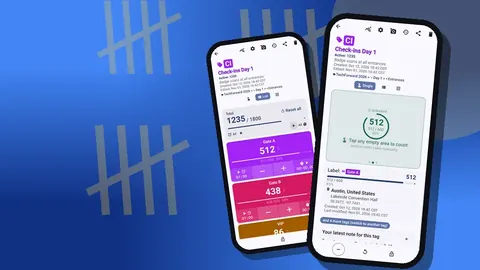
Crowd Counting for Event Planners: A Field Guide
Practical crowd counting for event planners: entry and exit tallies, capacity targets, multiple gates, timed logs and how a phone counter fits the job.