 Counter App

Features
Everything Counter App — Tally & Clicker can do, grouped by what you need it for.
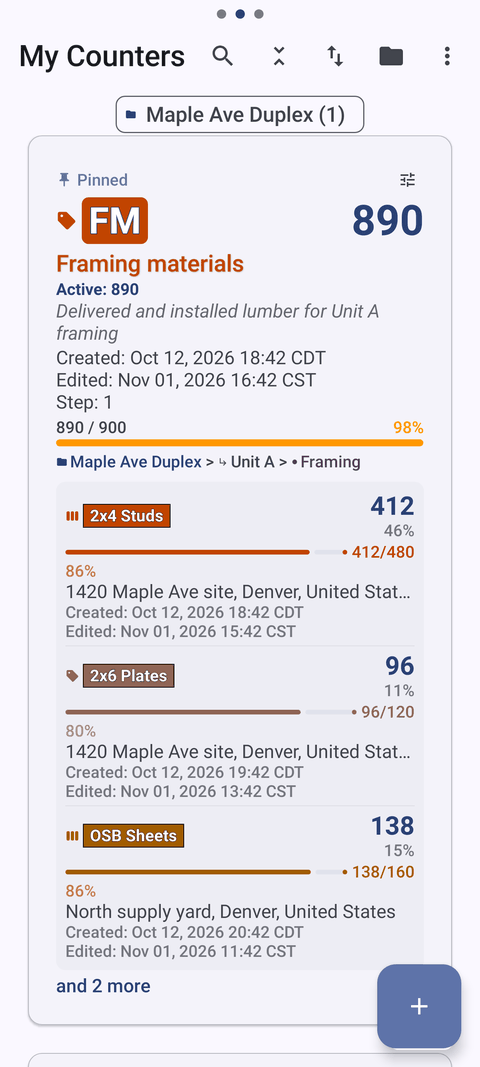
Unlimited counters with tags
- Unlimited counters, each with a name, color, initials or code, description, notes and link.
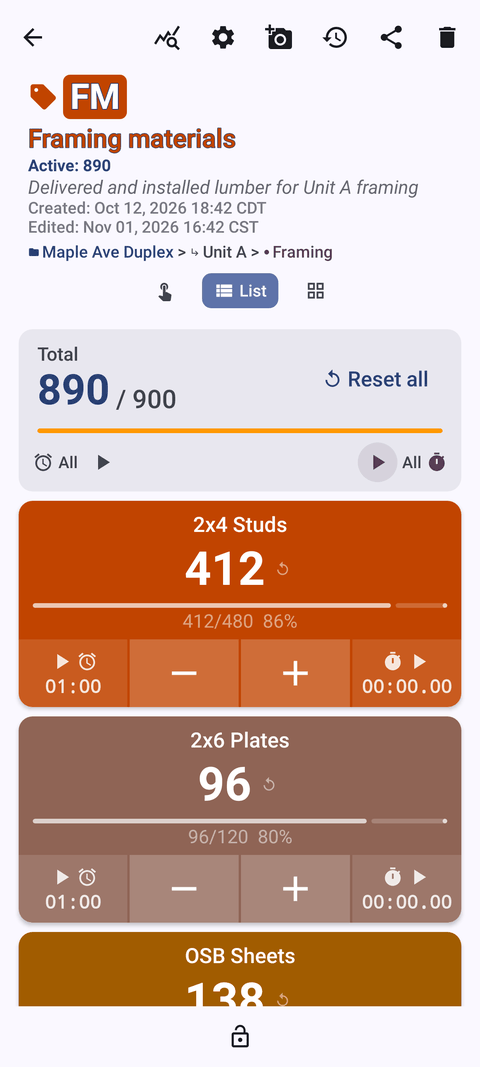
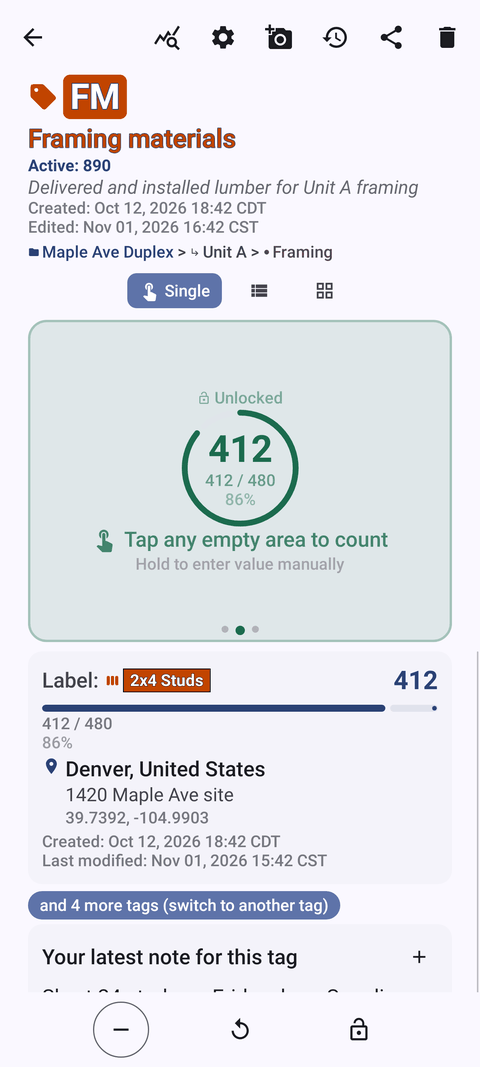
- Tags inside a counter: colored label, barcode/QR, GPS or address, own value, step, target, stopwatch, timer and link.
- Counter list in List or Grid view, with search, a date-range filter, 6 sort orders and pinned counters.
- Trash: deleted counters can be restored.
Fast counting, your way
- +step and −step buttons; the step can be any value from 1 to 100, per counter and per tag.
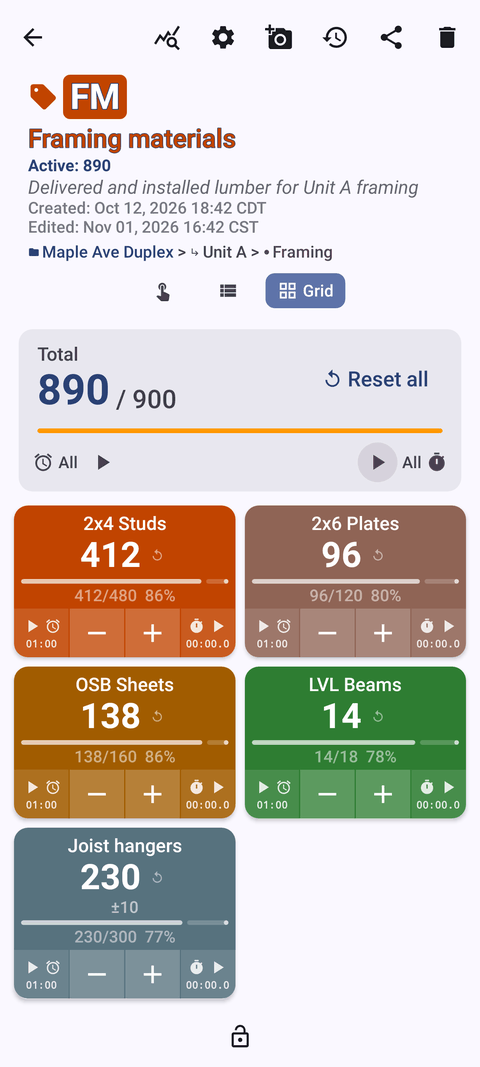
- Single, List or Grid view of tags. Tag display: expanded, collapsed, or collapsed except the most recent.
- Lock a counter against accidental taps. Reset a whole counter or a single tag.
- 13 count sounds and 8 vibration styles.
Targets and alerts
- Count up or down to a goal.
- Optional sound or vibration alert when the target is reached.
- Optional auto-reset and auto-lock on reaching the target.
Count with the volume buttons
- Count with the volume keys — also in the background and on the lock screen via a foreground service.
- Keys can be remapped, with per-key sound and vibration. Off by default.
- Lock-screen notification with −step, +step and Stop buttons.
- Some devices may still show the system volume bar.
Barcodes, QR codes and locations
- Scan a barcode or QR code with the camera, or type the code.
- Location by GPS, by picking a point on a map, or by typing country, city or place.
Photos and notes
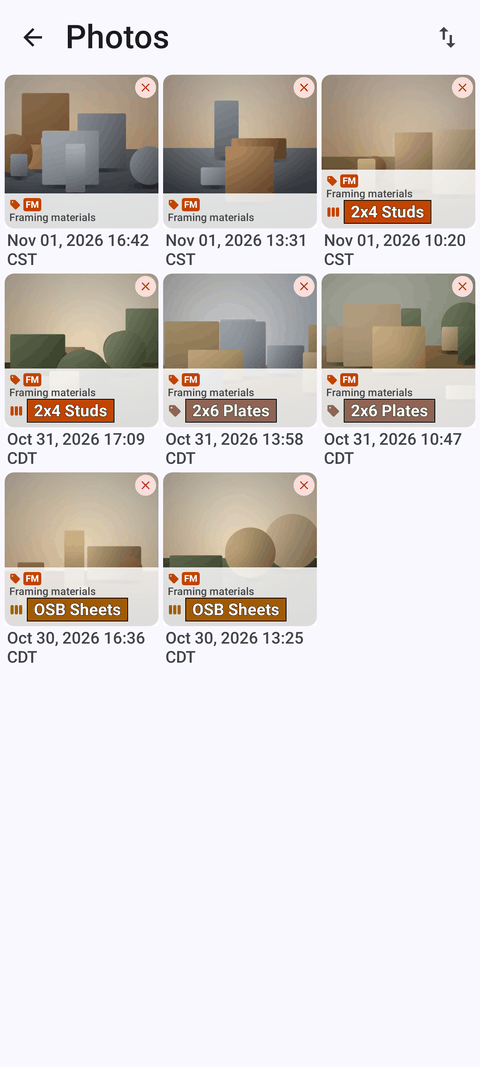
- Up to 6 photos per tag.
- Photo editor: brush, text, 6 colors, 4 fonts, bold/italic/underline/strikethrough, rotation.
- All-photos gallery and an All Notes screen with sorting.
Timer and stopwatch per tag
- Presets of 30s, 1m, 2m, 3m, 5m and 10m.
- Reset one timer or all of them.
- Countdown beeps, 7 alarm sounds and 8 alarm vibrations.
History of every count
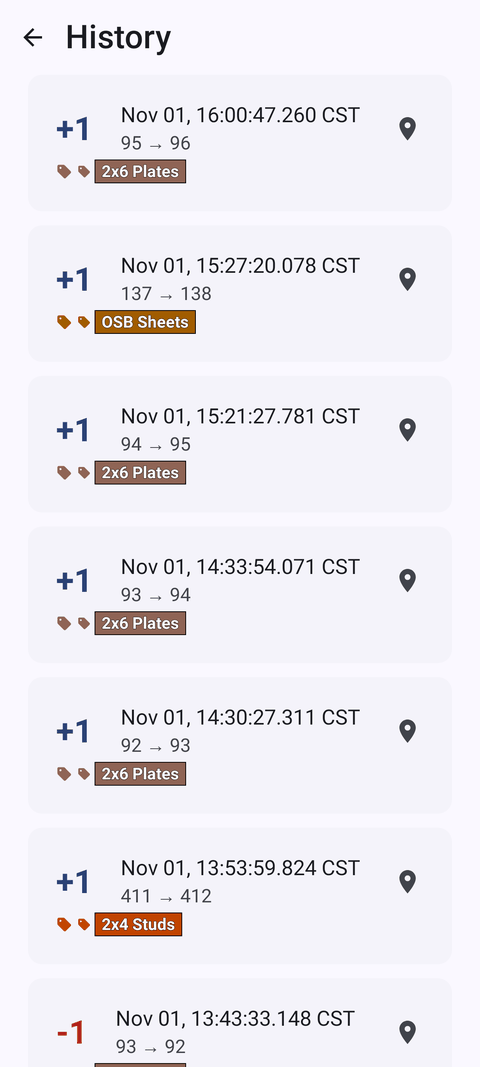
- Every count is logged with its time.
- Icons show photos, location and tag; add notes to events.
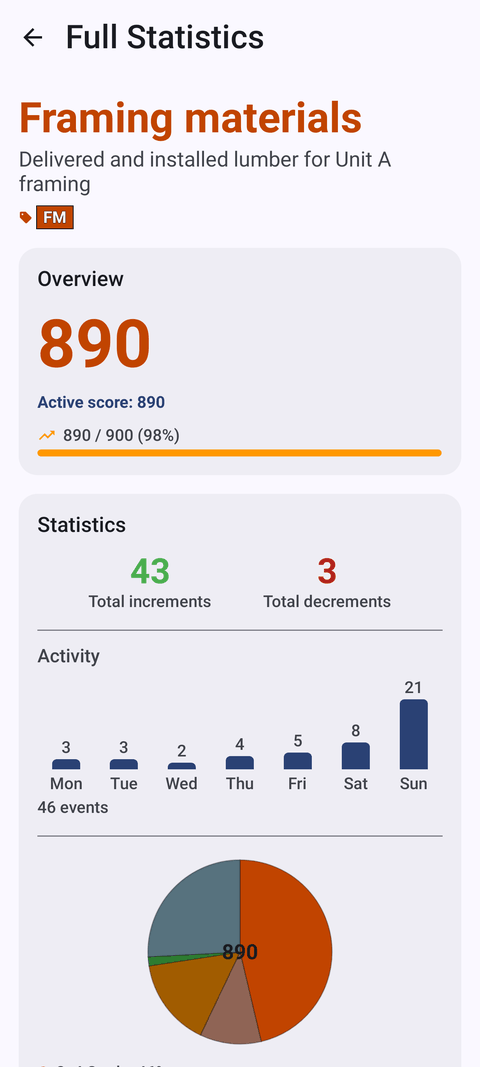
Dashboard
- Overview, per-tag progress, activity bar chart and pie chart.
- Photos and notes in one place.
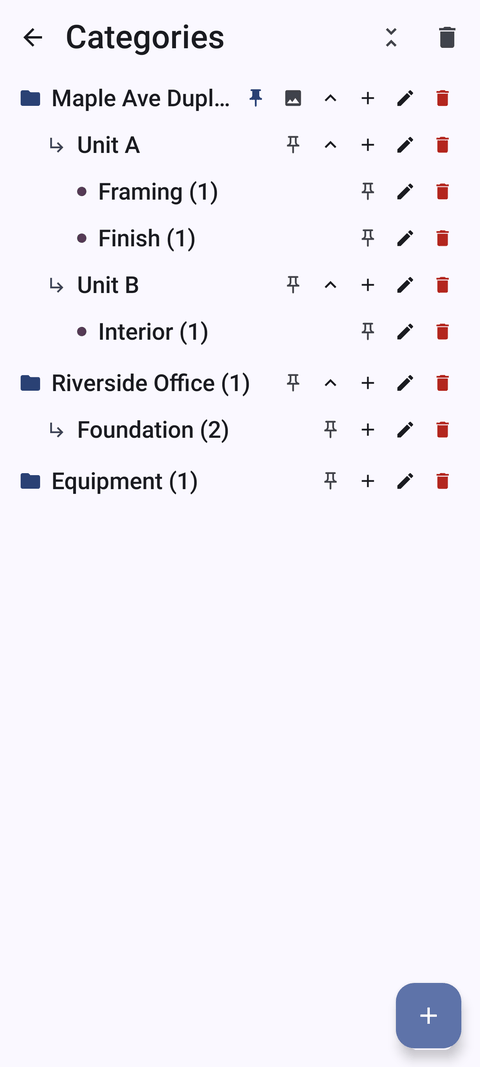
Categories
- Up to 3 nesting levels with custom colors.
- Pinning, reordering and a category trash.
Export and backup
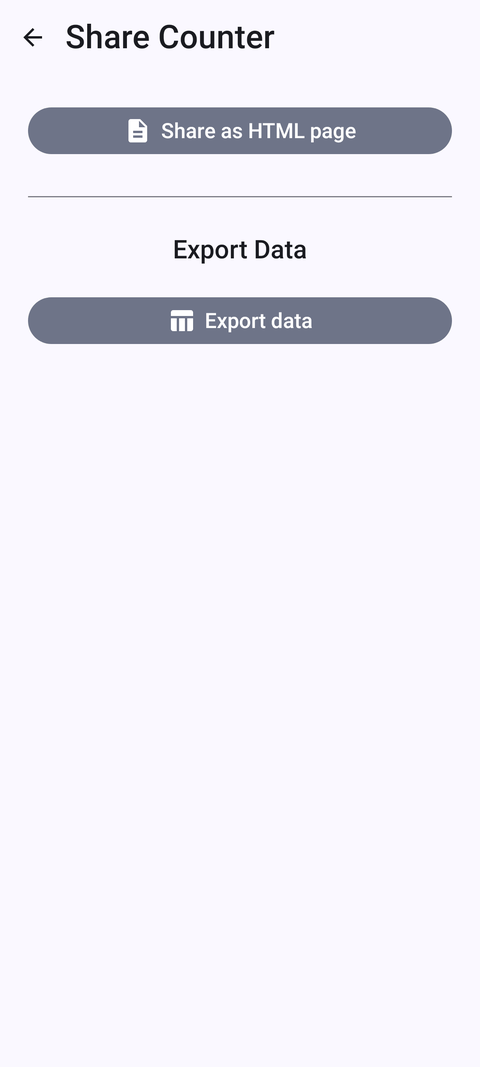
- Export to CSV, Excel (XLSX) or an HTML report with embedded photos.
- Choose sections: Summary, Events, Notes, Locations.
- Backup to a ZIP with photos; choose which counters and categories to include, with optional photo compression.
- Import with preview and duplicate handling: replace, copy or skip.
- No live sync between phones — move data between devices with a backup ZIP.
Make it yours
- 6 theme skins: Dynamic Color (Material You), Google Blue, Neon Contrast, Warm Sunset, Monochrome, Ocean Deep.
- Light, dark or system mode; 3 size presets; font scale 0.7–1.5; 10 fonts; 5 date formats.
- 37 languages with an in-app language picker.
- Multi-window and free-form layout support, plus an in-app user guide.
Works offline
- All counting features work offline.
- Internet is used only for optional notifications, update checks and map tiles.
- Android 12 or newer. Free to download, no ads; yearly or monthly plan or a one-time lifetime purchase.