 Counter App
 for Field Research and Surveys
Offline tally counting for wildlife, plant, traffic and excavation surveys: species tags, timed counts, locations, photos and CSV exports ready for analysis.

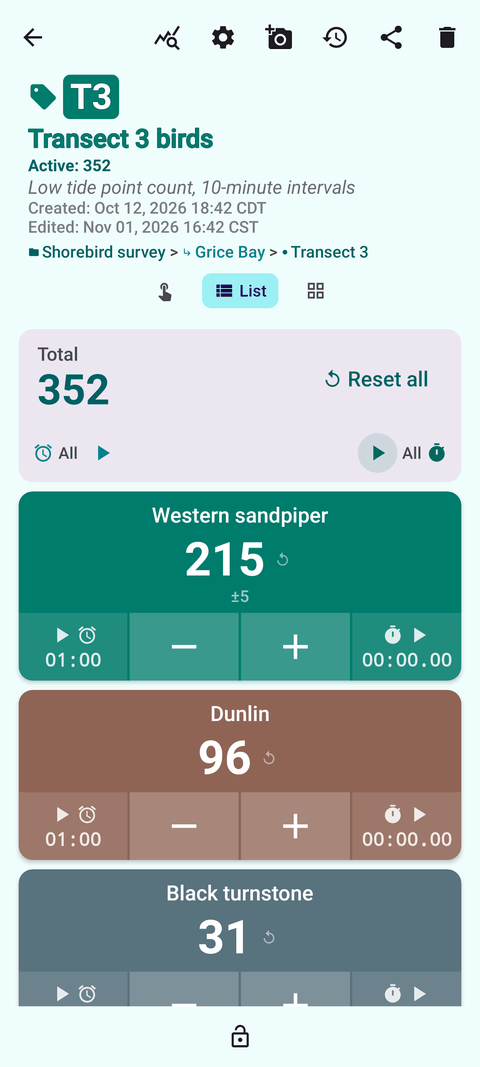
Intro
Count-based fieldwork needs a tool that is quick, quiet and dependable — and that leaves you with clean data rather than an evening of transcription. Counter App — Tally & Clicker, by GiveMeMood, organizes surveys as categories, counters and tags: sites or plots as counters, species or classes as tags. Every count is timestamped, tags can carry a location, timer, stopwatch and up to six photos, and everything exports to CSV, Excel or an HTML report. All counting works offline. It runs on Android 12 and newer and is free to download with no ads; try it free for 3 days, then choose a yearly or monthly plan or a one-time lifetime purchase.
Use cases
General field tallies
Replace paper tally sheets for count-based methods. See field data collection with a counter on Android.
Wildlife surveys
Point counts, transects and roost counts with quiet vibration feedback and timers. See wildlife survey counting.
Botanical surveys
Quadrat counts by species and state, with locations and fixed-point photos. See plant counting in quadrats.
Traffic and footfall
Vehicle classification and pedestrian counts, binned from timestamps. See traffic and pedestrian counts.
Archaeology
Finds tallies by context and class. See counting archaeological finds.
Observational research
Multi-category behavior coding in timed sessions. See a research tally counter for Android, and for data handling, exporting field data to CSV.
Features that matter in the field
- Hierarchy that fits protocols. Categories up to three levels, unlimited counters, tags with their own value, step (1–100), target and color.
- Timestamps. Every count logged with its time — the basis for rates and interval binning.
- Timer and stopwatch per tag. Presets from 30 seconds to 10 minutes; countdown beeps, 7 alarm sounds, 8 alarm vibrations.
- Eyes-free counting. Volume keys count in the background and on the lock screen, remappable with per-key sound and vibration. Off by default.
- Location. GPS, map point or typed place; map tiles need internet, the rest works offline.
- Photos and notes. Up to six photos per tag with an annotation editor; notes on events; All Photos and All Notes screens.
- Exports. CSV, Excel (XLSX) and HTML; choose Summary, Events, Notes and Locations.
- Backups. ZIP with photos, selective by counter or category, with import preview and duplicate handling.
- Readable outdoors. Six theme skins including high contrast, font scale 0.7–1.5, 37 languages.
Guides for field research
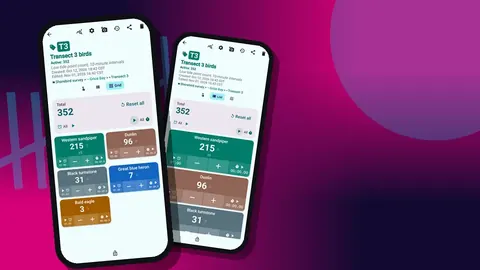
A Research Tally Counter for Android
Why researchers outgrow mechanical clickers, and how a multi-category tally counter on Android handles behaviour codes, timed sessions, notes and exports.
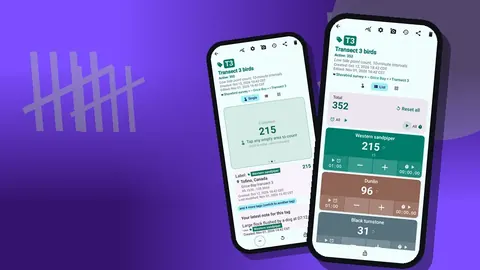
Plant Counting in Quadrats: A Botanist Scenario
Follow a hypothetical botanist through a field season of quadrat plant counts on Android: species tags, quadrat locations, photos, notes and CSV for analysis.
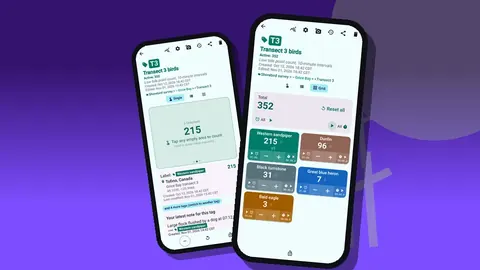
Wildlife Survey Counting on Android
Count birds, mammals and insects on transects and point counts with Android: species tags, timed counts, quiet vibration, locations and exports.
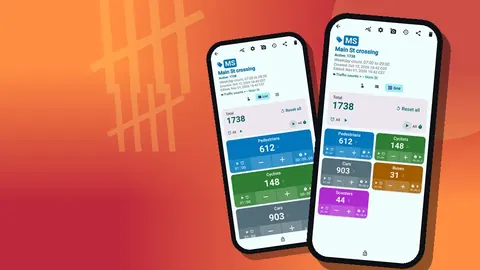
Traffic and Pedestrian Counts on an Android Phone
Run manual traffic, cyclist and pedestrian counts on an Android phone: class tags, 15-minute intervals, count locations, and a CSV for analysis.
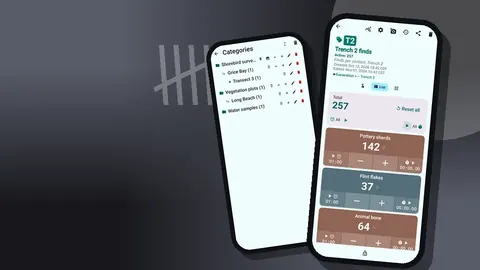
Counting Archaeological Finds by Context and Level
Tally excavation finds by trench, context and material class on Android, with grid locations, find photos, an event log and CSV or Excel exports.
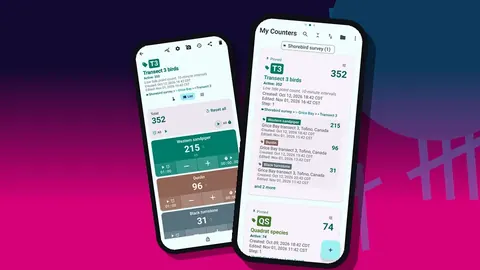
Field Data Collection with a Counter App on Android
Replace paper tally sheets in the field: turn your protocol into counters and tags on Android, count offline with volume keys, and keep timestamps and notes.
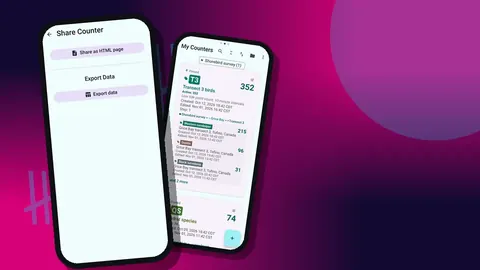
Exporting Field Data to CSV from Android
Plan field counts so the Android CSV export is analysis-ready: naming, structure, export sections, cleaning, and merging files from several observers.