 Counter App
 for Manufacturing and Production
Count line output, defects, WIP and parts on an Android phone. Tags, barcode scanning, targets, volume-key counting and CSV, Excel or HTML export.

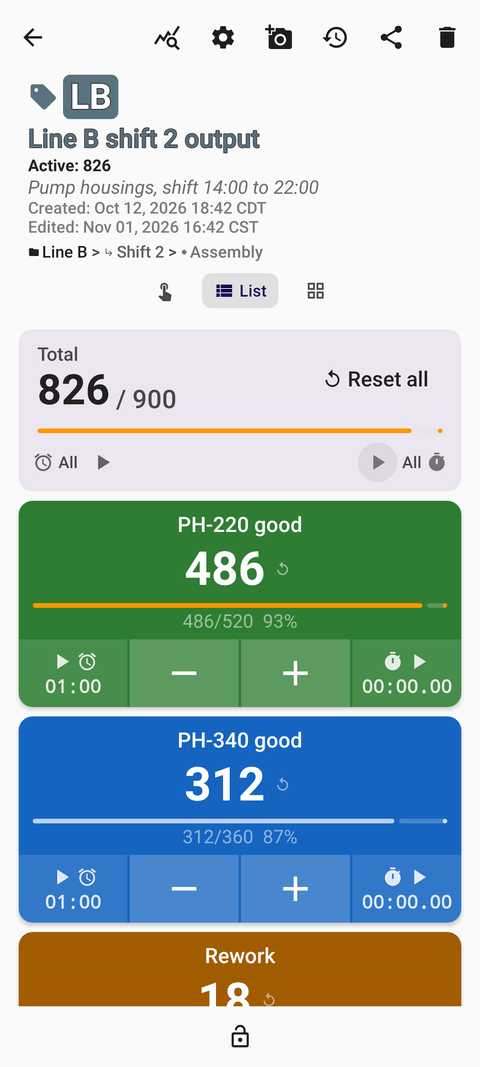
Counts you can trust at shift change
On a production floor, the numbers that drive planning are often written on a whiteboard, a clipboard or a supervisor's memory. Counter App puts those counts on an Android phone: tapped at the moment they happen, timestamped, organized by line and shift, and exported as a report at the end of the day. It works offline for all counting, so poor signal in the plant does not stop the count.
Use cases
- Production line output. One counter per line and shift, one tag per product variant, with targets for planned quantities. Read the guide.
- Quality control inspection. Count inspected, passed and failed units and defects by category, with photos of defects. Read the guide.
- Defect trend tracking. Stable categories week after week, notes for context, exports for Pareto-style ranking in a spreadsheet. Read the guide.
- WIP floor walks. One tag per process stage, consistent snapshots, notes on what is causing a queue. Read the guide.
- Parts cycle counts. Scan a bin's barcode or QR code to jump to its tag, count in batch steps, export for reconciliation. Read the guide.
- Shift reports. Turn the day's counts into CSV, Excel or HTML reports and roll them up weekly. Read the guide.
Features that matter on the floor
- Tags inside each counter – separate values for variants, defect categories or stages, each with its own color, step, target, stopwatch, timer, barcode/QR code, location and link.
- Step from 1 to 100 – count a full tray or carton with one tap.
- Targets – count up or down to a goal, with optional sound or vibration alert, auto-reset and auto-lock when reached.
- Volume-button counting – optional (off by default); works with the screen locked through a foreground service, keys can be remapped with their own sound and vibration. Some devices may still show the system volume bar.
- Lock – protects a counter from accidental taps and preserves a finished shift.
- History with notes – every count is logged with its time; add notes to explain downtime or changes.
- Photos – up to 6 photos per tag, with an editor to mark defects.
- Dashboard – per-tag progress, activity bar chart and pie chart.
- Export – CSV, Excel (XLSX) or an HTML report with embedded photos; choose Summary, Events, Notes and Locations.
- Backup – ZIP with photos, selectable counters and categories, import with preview and duplicate handling.
- Categories – up to three nesting levels for plant, area and line.
Real-world reading
Want to see how it fits together? Read the hypothetical production manager story about moving shift counts off the whiteboard.
Counter App by GiveMeMood runs on Android 12 and newer. Free to download, no ads; try it free for 3 days, then choose a yearly or monthly plan or a one-time lifetime purchase.
Guides for manufacturing & production
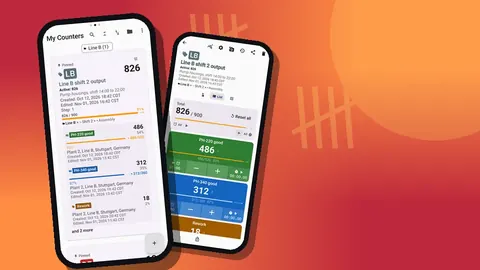
Production Line Count App for Android Supervisors
Count production line output by line, variant and shift on an Android phone: tags per variant, batch steps, shift targets and end-of-shift export.
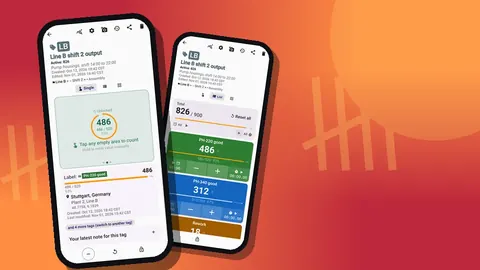
Track WIP on the Factory Floor Using Your Phone
Run work-in-progress counts on the factory floor with an Android phone: one tag per stage, repeatable floor walks, notes on queues and clean exports.
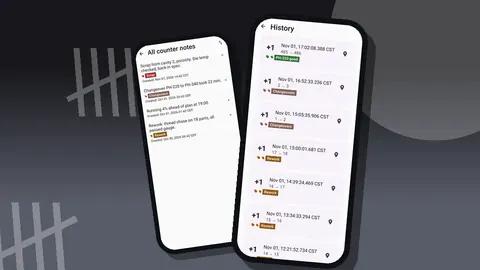
Shift Production Reports from Counter App Exports
Build a daily shift production report from counts taken during the shift: what to capture, which export format to choose and how to roll up weekly totals.
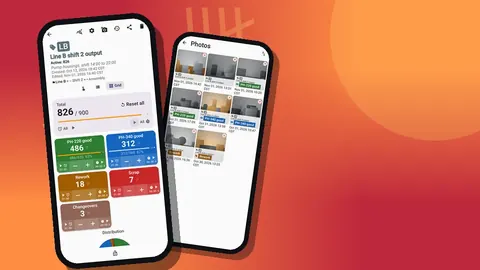
Quality Control Counter for Manufacturing Inspection
Run QC inspections on an Android phone: count inspected, passed and failed units and defects by category, attach photos, and export the data for rates.
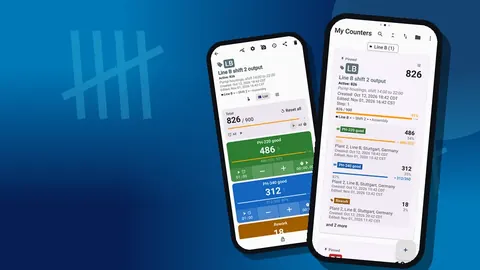
How a Production Manager Fixed Shift Counting
A hypothetical plant moves shift counts from a whiteboard to phones: what broke before, how the rollout went, and lessons any production manager can reuse.
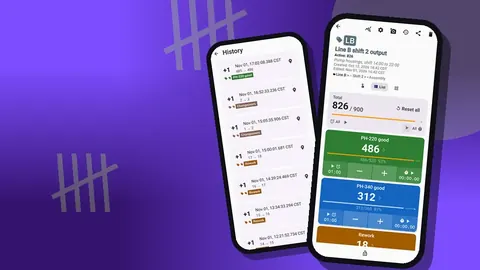
Defect Tracking Counter App for Manufacturing Teams
Turn defect notes into countable data: track defects by category on Android, review trends week by week and rank causes in a spreadsheet export.
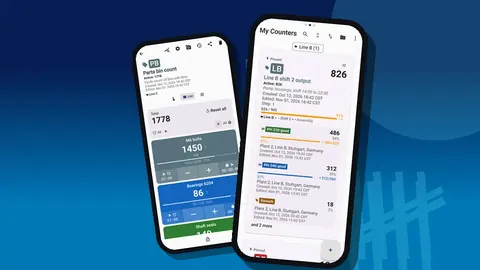
Scan Barcodes for Parts Inventory Counts on Android
Cycle count manufacturing parts on Android: scan bin barcodes or QR labels, count in batch steps, set reorder-level targets and export results to CSV.